File Explorer
The file explorer view allows you to modify your repository, namely the upload/download of files, renaming, moving etc. From here, you also have the option to inspect the traceability of single files, as well as their file properties dialogue.
The file explorer allows you to navigate through the available Activities. The main Activity with read-write permission is always on the top (marked by black font). Read-only activities are listed below (marked by gray font).
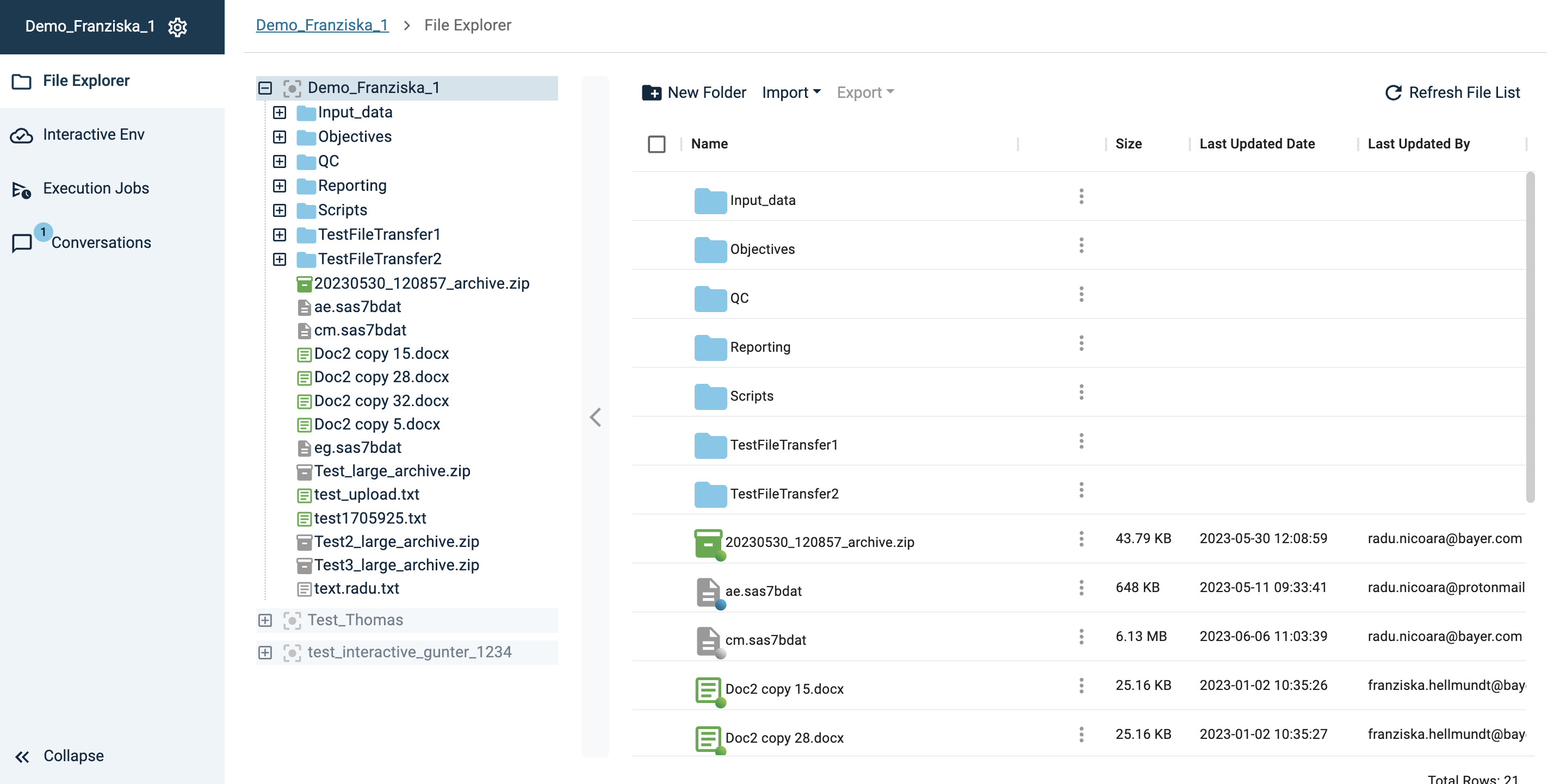
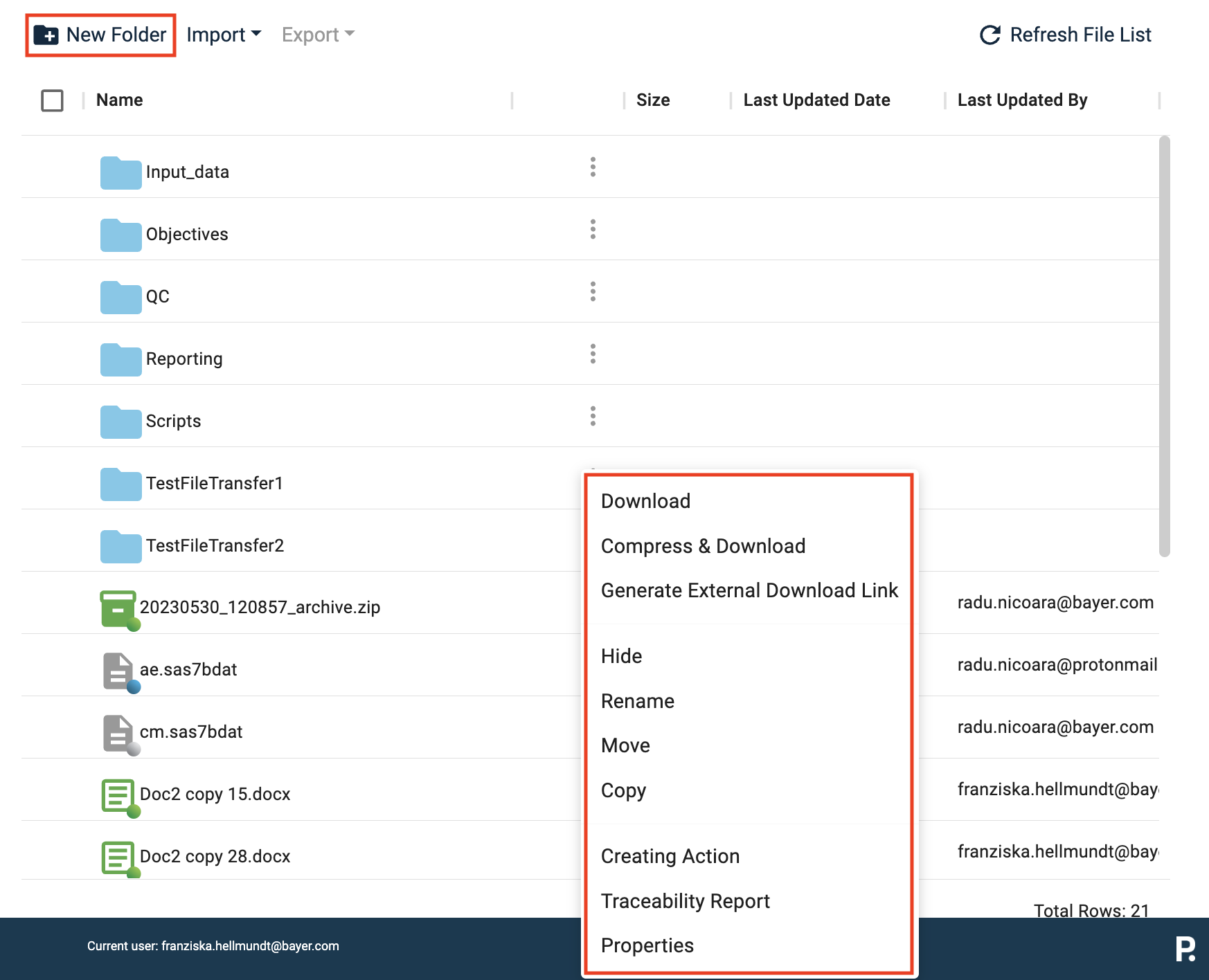
Like other file explorers, PHIL offers you basic interactions as creation of New folder, Rename, Move, Copy of Files and Folders.
Please note, that the PHIL file repository is implemented by a S3 Bucket and each File Version is stored as an S3 object. Different from common file systems is the behaviour in case of moving a file from one folder to another or in case or renaming a file or folder. In such cases not just some metadata is changed at the object, but a new object is created - in case of renaming a folder new objects are created for each contained file.
Delete files?
In contrast to a standard file explorer, there is no option to delete files. In order to meet GxP regulations, PHIL offers you the option to hide files. Hidden files are not visible in the file explorer anymore, but they are still stored in the background. This allows you to keep your (visible) file system clean, but meet the GxP regulations.
Read-only activities
Files inside read-only Activities have limited functionality. To modify any files in these Activities, you need to switch to the original Activity and modify the files in there. Alternatively, you can copy a file from a read-only folder into a folder with full read-write access. For more details on read-only Activities, see Read-only Activities.
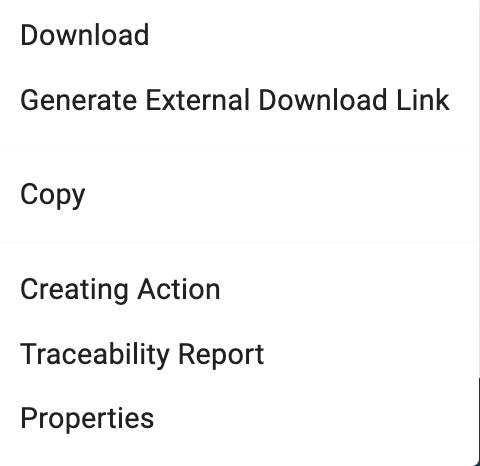
Although the options to interact with the files in read-only Activities are limited, you have full access to their properties, traceability dialogues, and creating actions.