Log In
1. Internal User
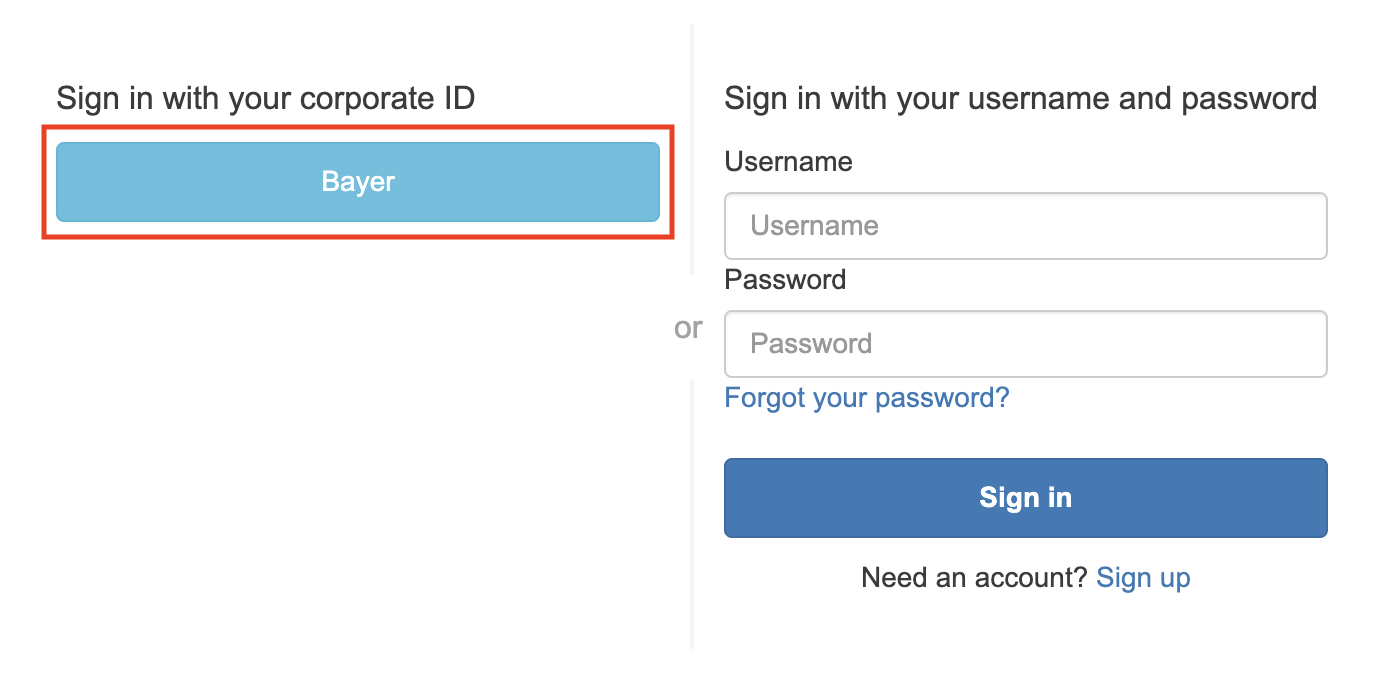
Steps to log in:
- Go to https://pmx.int.bayer.com
- Sign in with your corporate ID
- You see a list of all PMx Activities you have access to
- Select the Activity you want to work in
2. External User
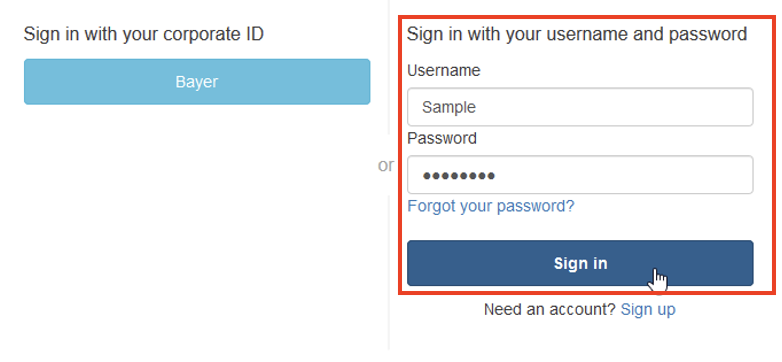
Steps to log in:
- Go to https://pmx.int.bayer.com
- Sign in with username and password
- You see a list of all PMx Activities you have access to
- Select the Activity you want to work in